Preparing Your SD Card for Bully Dog GT Tuners
This is to be used to prep SD Cards for use on GT Devices list below:
40410
40415
40417
40420
40428
40480
46500
46501
46511
46521
46531
To ensure your SD card works correctly with your Bully Dog GT device, it must be partitioned and formatted to the requirements below: (Use StevesGTSDCardPrepper.exe attached at the bottom of this article to do this quick and easy.)
Size: Partitioned to 2GB or less.
File System: FAT (FAT16).
Label: Must be named BDCARD.
The easiest way to prepare your card is by using the attached utility.
Step-by-Step Instructions
Insert the SD Card into your computer's card reader.
Launch the Card Utility Tool (the attached program). Will need to unzip the program.
Click the Refresh button within the tool to list all connected drives.
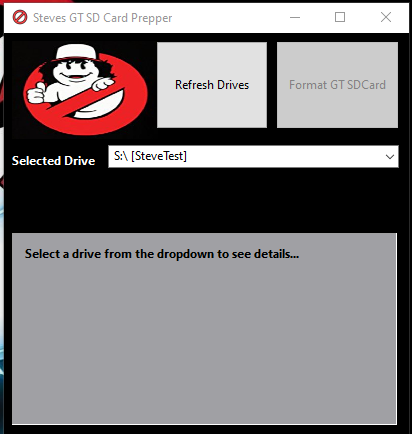
Select Your SD Card from the list. CRITICAL: Double-check that you have selected the correct drive letter to avoid formatting the wrong drive.
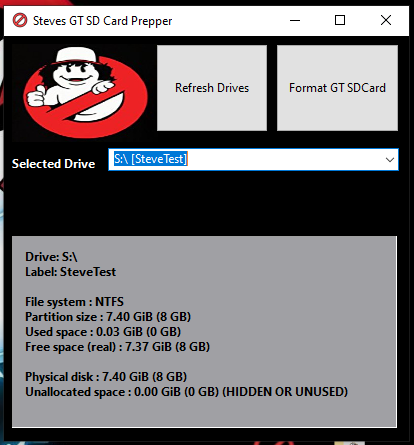
Click the Format option. You will receive two warning dialogs; acknowledge them to proceed.
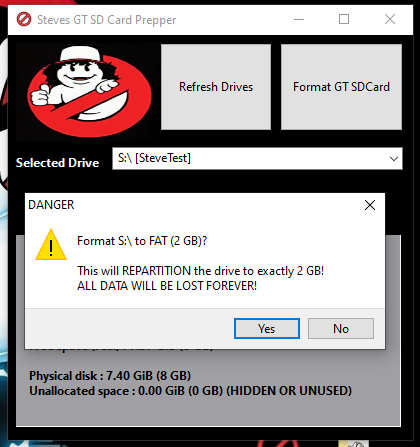
The program will automatically partition and format the card to the required specifications (2GB, FAT, labeled BDCARD).
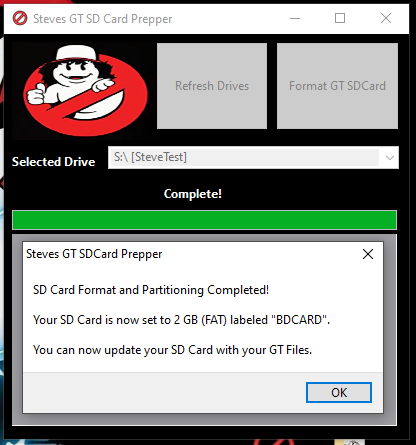
Loading Firmware Files
Once the SD card is properly prepared, you can load the necessary firmware and files:
From this article, download the correct firmware (FW) package for your specific device and part number. https://derivepower.freshdesk.com/a/solutions/articles/72000582672
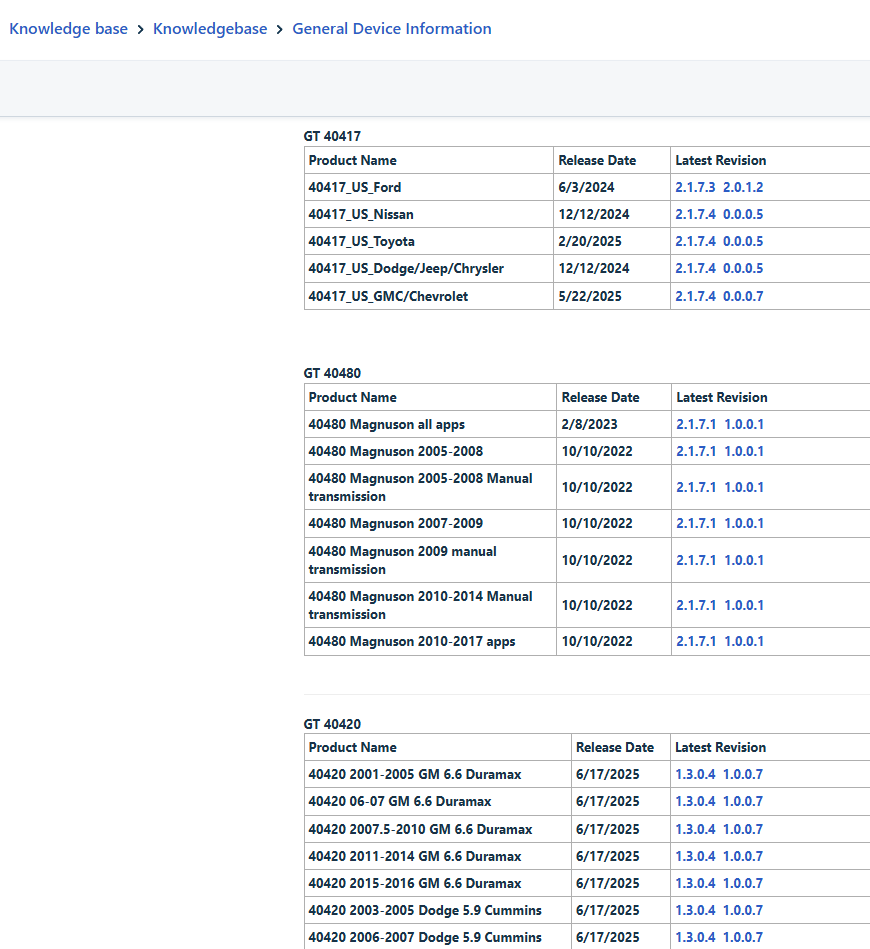
Unzip the downloaded file.
Double-click the
BullyDogCopy.exeprogram located within the unzipped folder.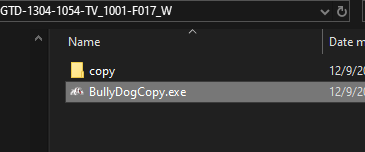
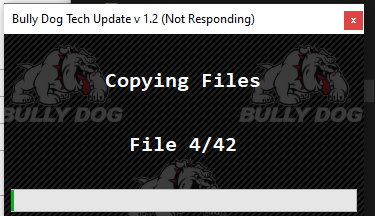
This program will automatically load all current files for your device and vehicle onto the freshly prepped SD Card.
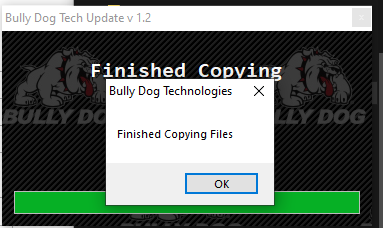
You are now ready to use the SD card with your Bully Dog GT tuner reinsert it into your device and select check for update. If you still need assistance please reach out at techsupport@derivesystems.com