Note: The below is an example. Every application is different. An option available on one vehicle may not be available on a different application. Some adjustable options are only available through Vehicle functions once the vehicle has been tuned. The example below is of a BDX tuner, but in general, our devices follow the same or similar path.
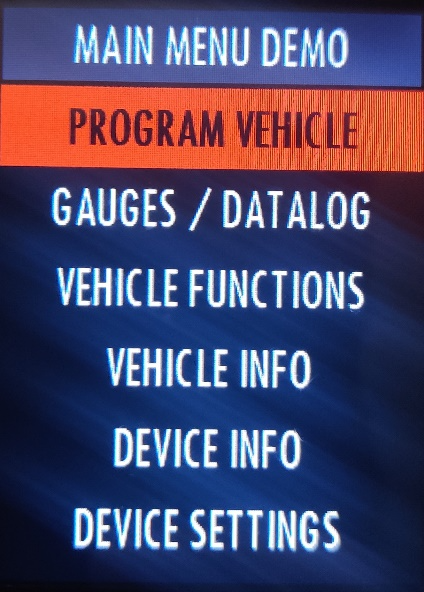
1. First, you will need to plug the device into the vehicle you are installing on. Once the device is plugged in and powered on select Program Vehicle.
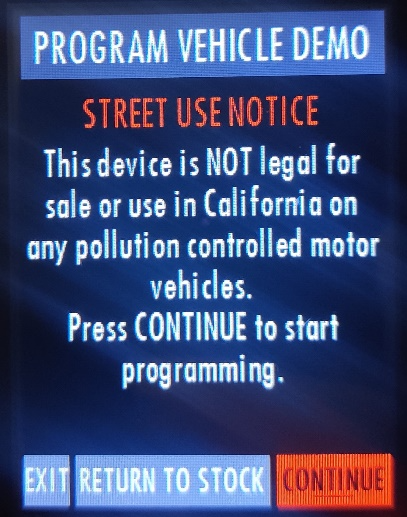
2. Continue through the STREET USE NOTICE
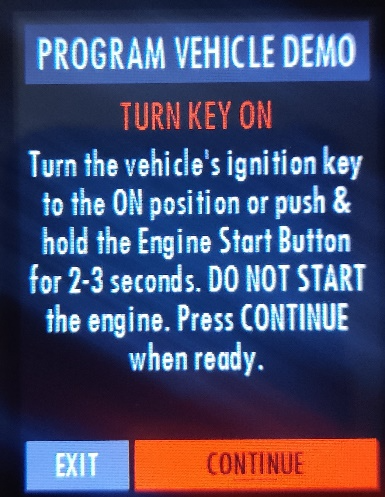
3. Turn the key to run
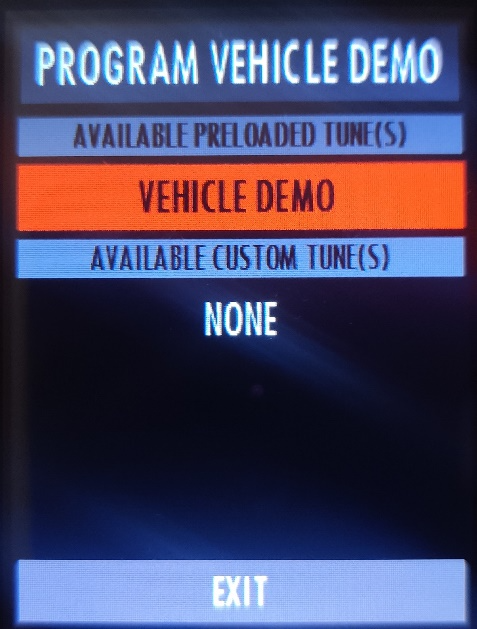
5. Select your vehicle under AVAILABLE PRELOADED TUNES (Your device should show your vehicle here rather than DEMO)
6. Confirm your vehicle
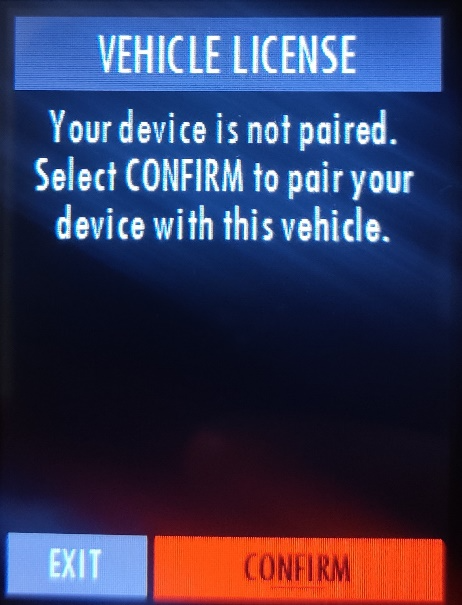
7. Select CHANGE
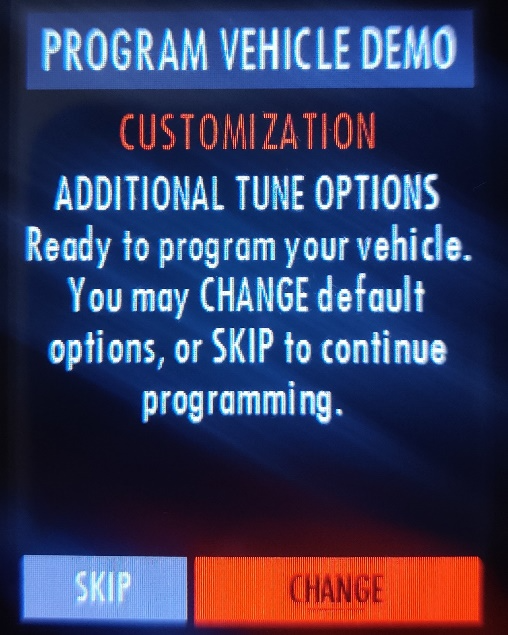
8. Select CHANGE again
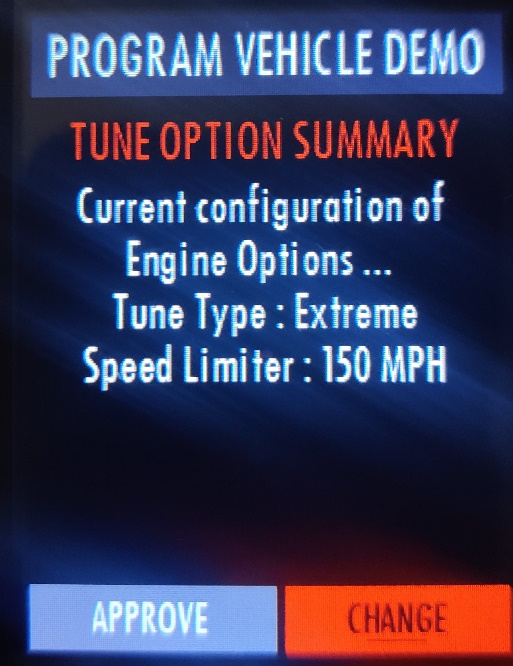
9. Highlight and select each option you’d like to adjust. Click here for a list of potential options you might find.
- Select the option you’d like to apply for each setting
- Select BACK if you don’t want to make an adjustment
- EXIT will abort the tuning process and bring up the Main Menu again
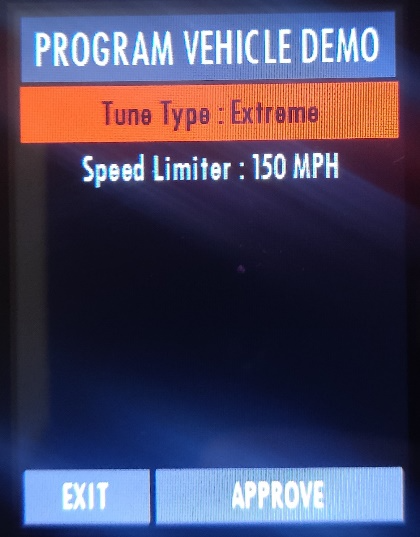
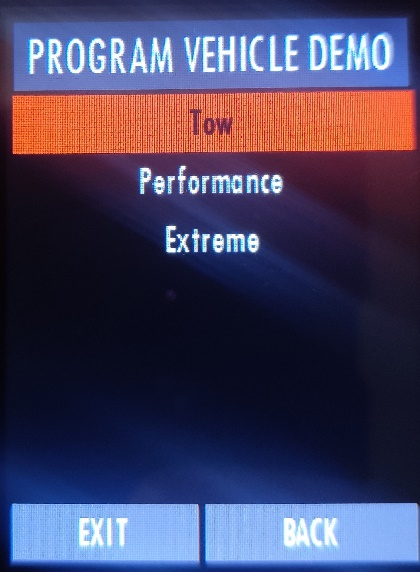
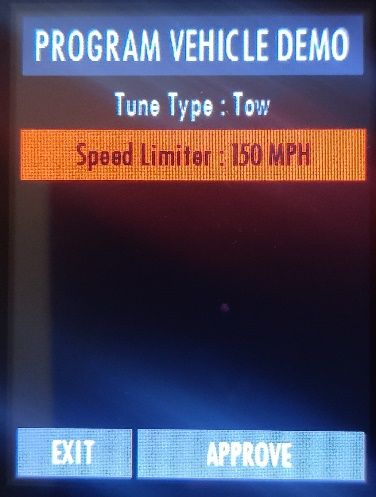
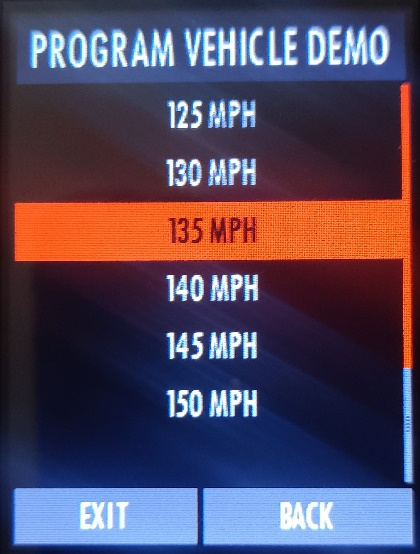
10. Press the right button on the BDX to highlight APPROVE
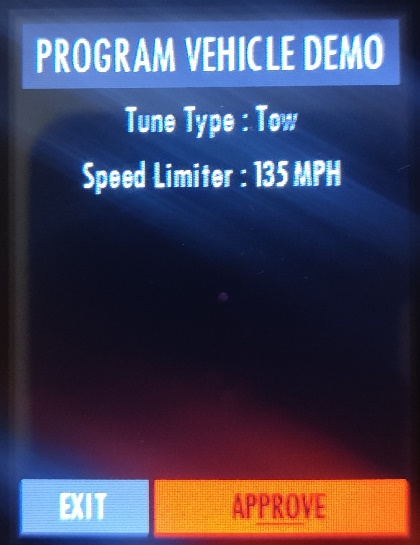
11. Select CONTINUE at the Tune Summary screen
12. Turn Key Off
13. Turn the key on
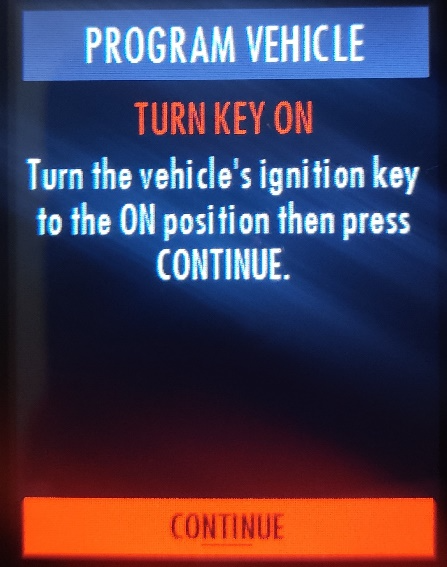
14. BDX will save stock
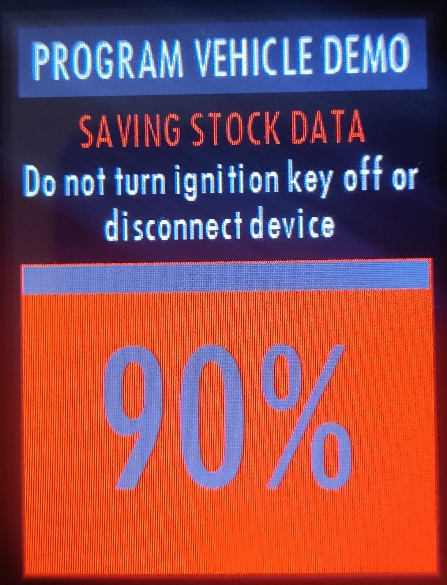
15. Turn the key off
16. Turn the key on
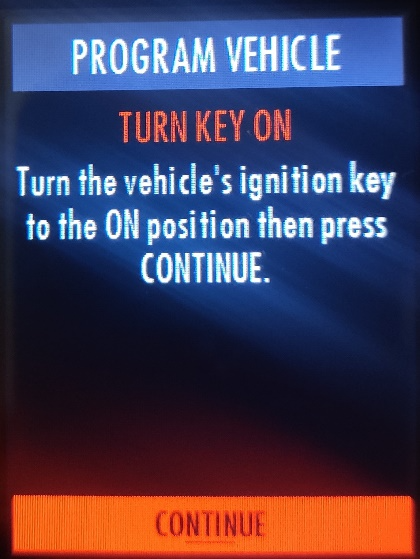
17. BDX will apply the tune
List of Adjustable Options
As stated previously, adjustable options can vary from vehicle and device. Below are a list of options that are generally available for most applications.
Gas Vehicle Options:
Tune Type
Tune options for 87, 91, and 93 octane are the most common. Performance levels vary by the octane you select. Higher octane will provide higher performance increase. 93 octane would be the highest increase.
Global Spark
Add or remove timing advance to the entire RPM range.
Spark by RPM
Add or remove timing by RPM range. (0-2000) (2000-4000) (4000-8000)
WOT Fuel
Add or remove fuel at wide open throttle. (WOT)
Fan Control
Lowers the temperature at which the fan turns on.
Rev Limiter Drive
Sets rev limit in RPM while in drive.
Rev Limiter Neutral
Sets rev limit in RPM while in neutral.
Speed Limit
Remove, increase, or decrease the vehicle speed limiter. (AKA Governor)
Gas and Diesel Vehicle Options:
Axle Ratio
Corrects shift patters / speedometer for aftermarket axles / parts. (Not available on all vehicles)
Tire Size
Sets tire size to correct shift patterns/speedometer. (Not available on all vehicles)
Idle Speed
Sets idle speed in RPM.
Traction Control
On/Off setting disables traction control without using the TCS button.
WOT Shift
Increase or Decrease the WOT shift points of each gear individually by MPH.
Shift Pressure
% change in transmission pressure during shifts. (+ equals firmer, - equals softer)
Diesel Vehicle Options:
Performance
The most aggressive preloaded diesel tune. Good for everyday use, racing, or economy but not recommended for any type of towing.
Street
The Street tune has less power than Performance with a moderate gain over stock, safe for light towing, under 5K lbs.
Towing
This tune should be used when towing any significant load as the shifting is specific for towing.
Trans Only
For heavy loads, the engine and boost are left stock and only the transmission shift points are tuned.
Jake Brake
Exhaust brake to increase engine braking while coasting to help lower braking temperatures.
Locked at CT
Keeps the torque converter locked during deceleration to aid in engine braking.
Lock In 1-2-3
Locks the torque converter in 1st, 2nd and 3rd gear.
Agg. Tow Haul
More aggressive shift schedule keeping the engine in its power band longer